
A negative length doesn’t raise an error in the PostgreSQL left function. left('OH-2026-1001', -5) returns OH-2026: everything except the last 5 characters.
With a positive n, left(text, n) returns the first n characters and right(text, n) the last n.
Seven examples follow, from the basics to masking and errors. Tested on PostgreSQL 18.6 for Windows, with psql in VS Code.
PostgreSQL LEFT and RIGHT Function Syntax
Here is the syntax:
left ( string text, n integer ) → text
right ( string text, n integer ) → text| Argument | Required | What it means |
|---|---|---|
| string | Yes | The text to cut; varchar works too. |
| n | Yes | Characters to keep. Negative n drops |n| from the other end. |
Return value: text, counted in characters. Any NULL argument returns NULL.
Availability: built in since PostgreSQL 9.1.
When to Use the LEFT Function in PostgreSQL
Use LEFT or RIGHT when you need to:
- read a fixed prefix for GROUP BY reports
- show the last 4 digits of a card
- drop a trailing comma
- split an email at the @
Run this once. The card numbers are public test numbers:
DROP TABLE IF EXISTS customers;
CREATE TABLE customers (
  id         int PRIMARY KEY,
  full_name  text,
  order_code text,
  card       text,
  email      text,
  tags       text
);
INSERT INTO customers VALUES
 (1, 'Hannah Brooks',  'OH-2026-1001', '4111111111111111', 'hannah.brooks@gmail.com', 'gift,rush,'),
 (2, 'Tyler Reed',     'TX-2026-1002', '5555555555554444', 'tyler.reed@yahoo.com',    'rush,'),
 (3, 'Grace Miller',   'CA-2026-1003', '378282246310005',  'grace.miller@outlook.com', NULL),
 (4, 'Marcus Bennett', 'FL-2026-1004', NULL,   'marcus.bennett',          'gift,');
Example 1: Get the First and Last N Characters
Let’s start with the basic call. I want the state and order number from each order_code:
SELECT order_code,
       left(order_code, 2)  AS state,
       right(order_code, 4) AS order_no
FROM customers
WHERE id <= 2;
Output:
  order_code  | state | order_no
--------------+-------+----------
 OH-2026-1001 | OH    | 1001
 TX-2026-1002 | TX    | 1002
(2 rows)
For Hannah’s order, this returns OH and 1001.
Example 2: Use a Negative n with LEFT and RIGHT
Now the intro’s catch. The goal is each code minus its number, then minus its state:
SELECT order_code,
       left(order_code, -5)  AS no_number,
       right(order_code, -3) AS no_state
FROM customers
WHERE id IN (1, 2);
Output:
  order_code  | no_number | no_state
--------------+-----------+-----------
 OH-2026-1001 | OH-2026   | 2026-1001
 TX-2026-1002 | TX-2026   | 2026-1002
(2 rows)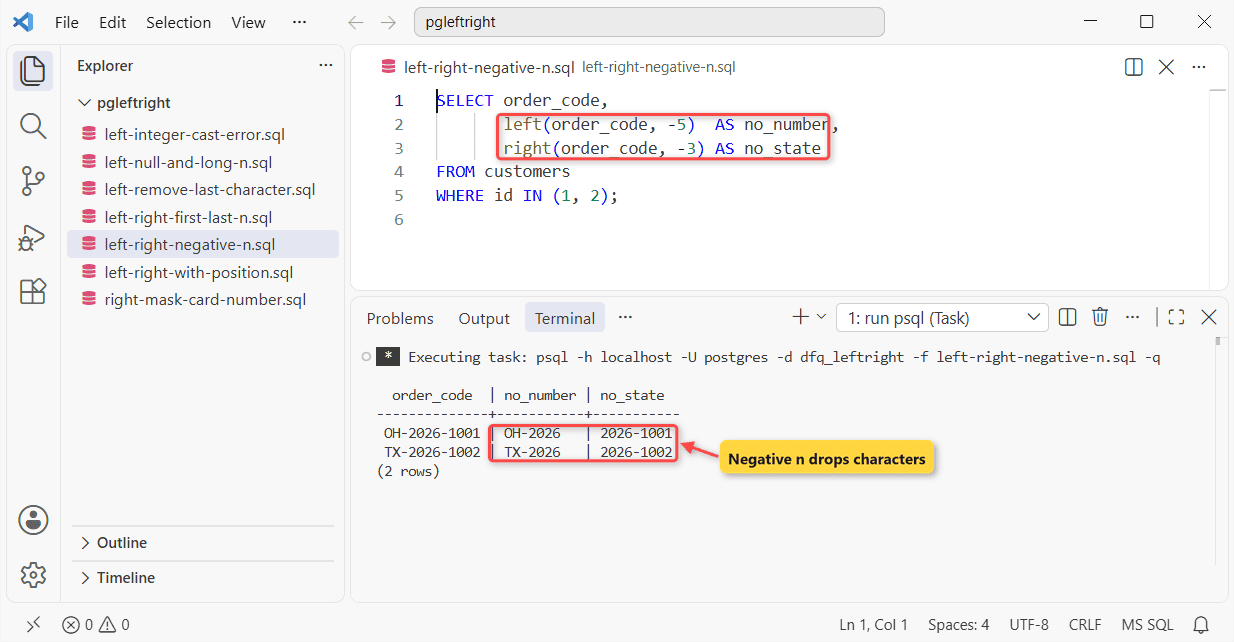
For Hannah, that’s OH-2026 and 2026-1001.
Example 3: Remove the Last Character from a String
Each tags value ends with a comma. Say you need it gone:
SELECT tags, left(tags, -1) AS cleaned
FROM customers
WHERE tags LIKE '%,';
Output:
    tags    |  cleaned
------------+-----------
 gift,rush, | gift,rush
 rush,      | rush
 gift,      | gift
(3 rows)
Hannah’s gift,rush, becomes gift,rush. Run the SELECT again and you should see the same 3 rows. To strip only commas, use rtrim(tags, ‘,’).
Example 4: LEFT with NULL and n Larger Than the String
Next, the edge cases. I want each odd input’s result:
\pset null '(null)'

SELECT left('Ohio', 10)  AS n_too_big,
       left('Ohio', -10) AS neg_too_big,
       left('Ohio', 0)   AS zero,
       left(NULL, 2)     AS null_string,
       left('Ohio', NULL) AS null_n;
Output:
 n_too_big | neg_too_big | zero | null_string | null_n
-----------+-------------+------+-------------+--------
 Ohio      |             |      | (null)      | (null)
(1 row)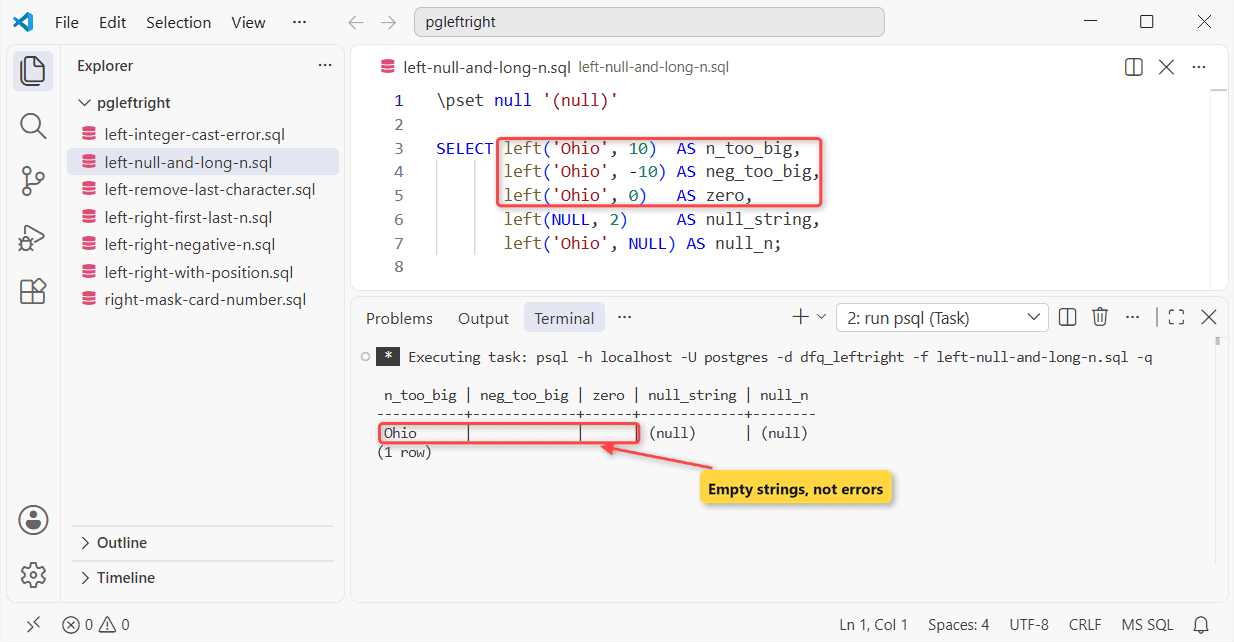
A too-large n returns Ohio. Zero and -10 give an empty string; a NULL gives NULL.
Example 5: Mask a Card Number with RIGHT and REPEAT
Agents should see only the last 4 digits. The goal is a masked card:
\pset null '(null)'

SELECT full_name,
       repeat('*', length(card) - 4)
         || right(card, 4) AS masked_card
FROM customers
WHERE id <> 2;
Output:
   full_name    |   masked_card
----------------+------------------
 Hannah Brooks  | ************1111
 Grace Miller   | ***********0005
 Marcus Bennett | (null)
(3 rows)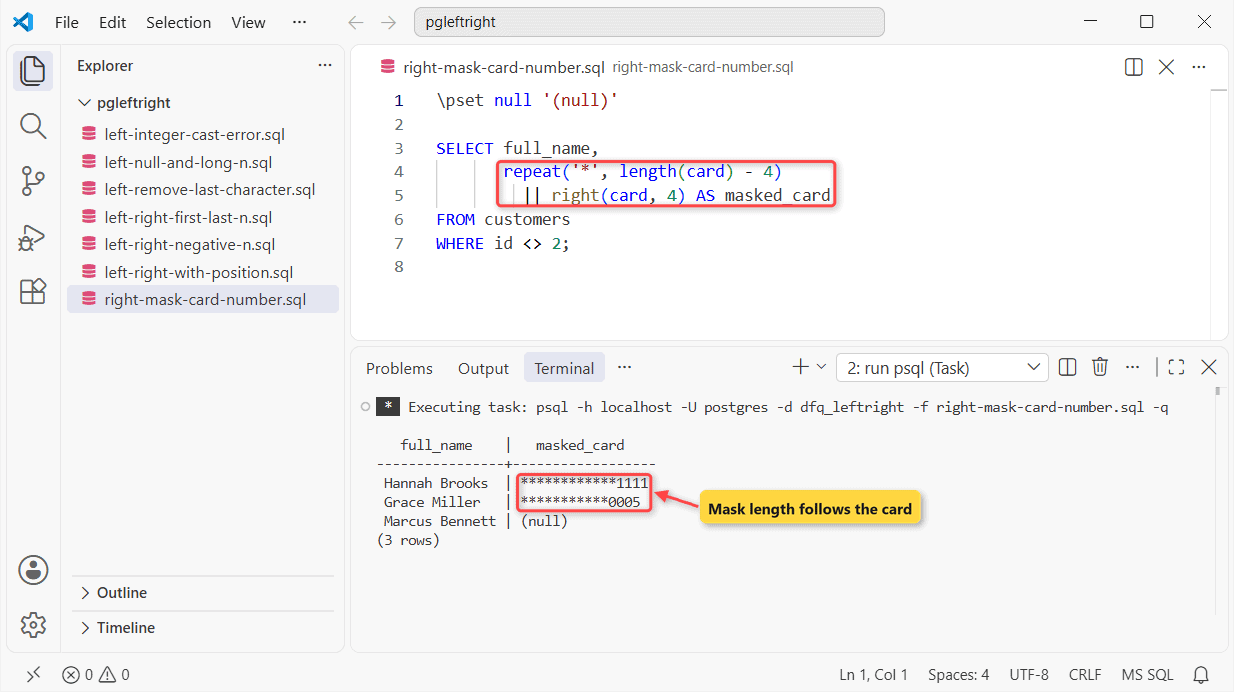
Hannah’s card shows ************1111. Grace’s 15-digit card gets 11 stars, sized by LENGTH. Marcus’s NULL card stays NULL.
Example 6: Split a PostgreSQL String at a Character (LEFT + POSITION)
Now add position(). I want each email’s username and domain:
SELECT email,
       left(email, position('@' in email) - 1) AS username,
       right(email, -position('@' in email))  AS domain
FROM customers
WHERE id IN (1, 4);
Output:
          email          |   username    |  domain
-------------------------+---------------+-----------
 hannah.brooks@gmail.com | hannah.brooks | gmail.com
 marcus.bennett          | marcus.bennet |
(2 rows)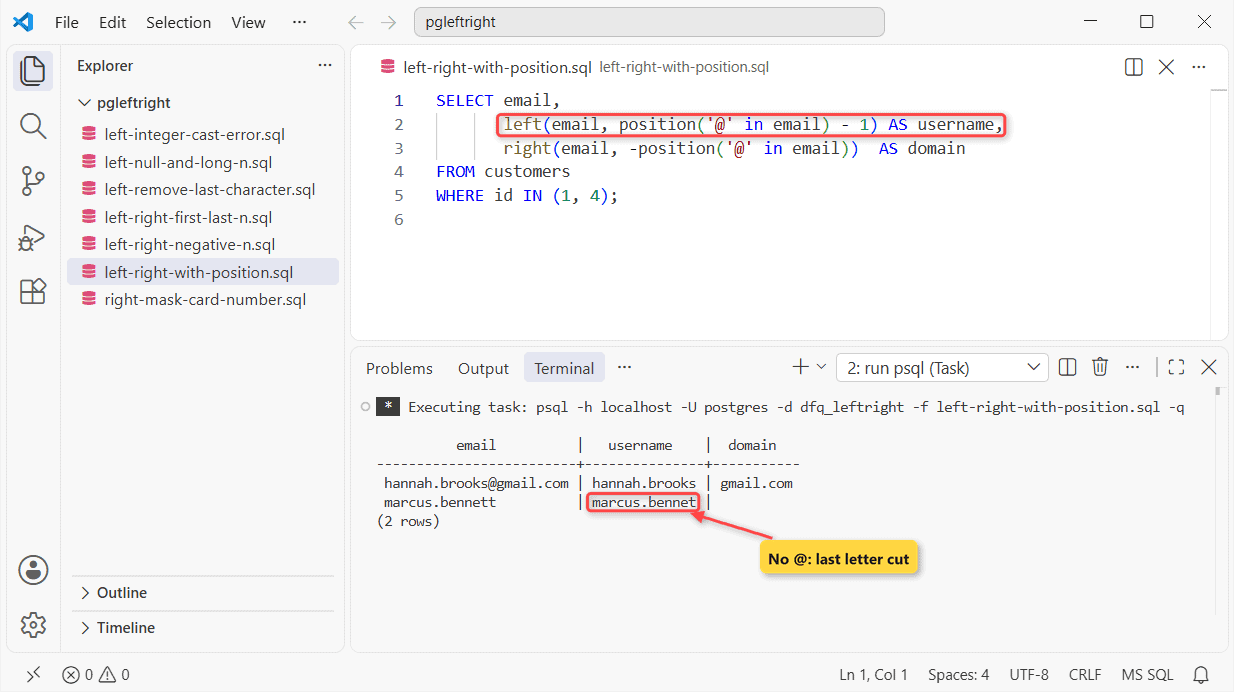
Hannah gets hannah.brooks. Marcus has no @, so position returns 0 and LEFT cuts his last letter. Guard it with CASE or use SPLIT_PART.
Example 7: Fix “function left(integer, integer) does not exist”
LEFT only takes text. The goal is the year from 20261001:
\set ON_ERROR_STOP off

SELECT left(20261001, 4);

SELECT left(20261001::text, 4) AS year;
Output:
psql:left-integer-cast-error.sql:3: ERROR:  function left(integer, integer) does not exist
LINE 1: SELECT left(20261001, 4);
               ^
HINT:  No function matches the given name and argument types. You might need to add explicit type casts.
 year
------
 2026
(1 row)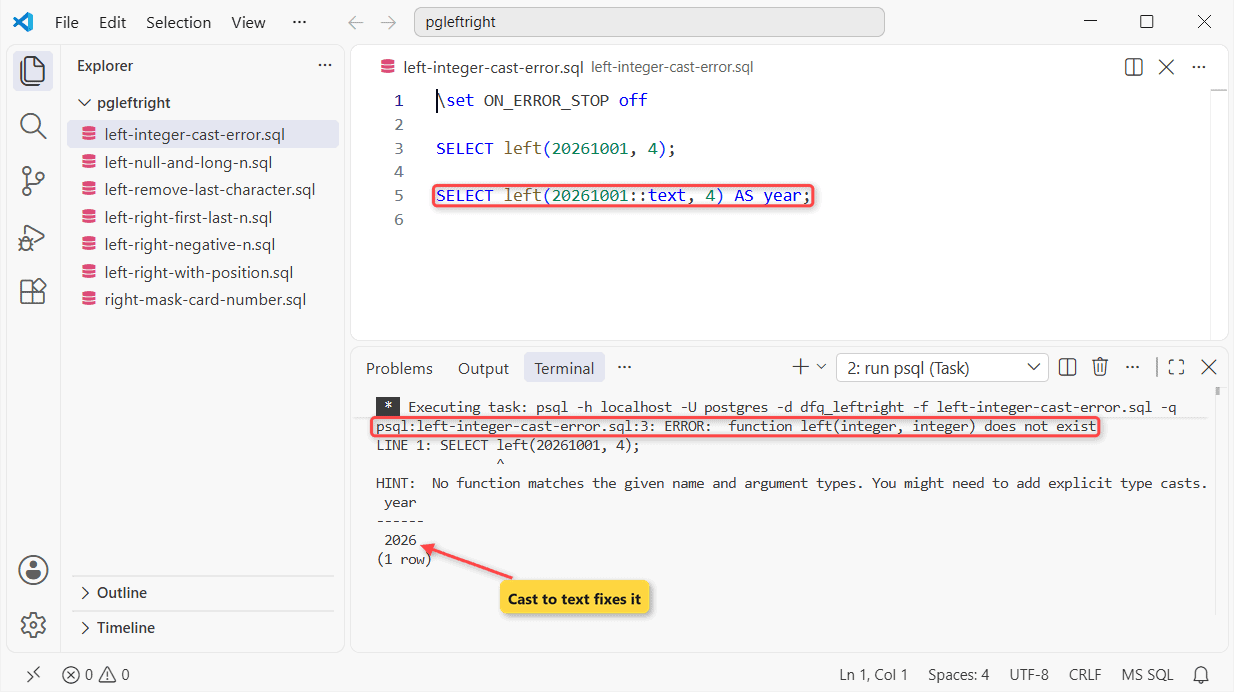
The cast returns 2026. My PostgreSQL CAST guide covers text to integer.
LEFT vs SUBSTRING in PostgreSQL: Which Should You Use?
| Feature | left / right | substring |
|---|---|---|
| First 3 characters | left(s, 3) | substring(s from 1 for 3) |
| Last 3 characters | right(s, 3) | needs length(s) |
| Negative length | Drops characters | ERROR |
My rule of thumb: LEFT and RIGHT for either end, PostgreSQL SUBSTRING for the middle.
Tips & Common Mistakes
- A wrong sign never errors; it quietly returns bad data.
- Accented letters count as one character:
left('Élodie', 1)returnsÉ. - SQL Server’s LEFT rejects negative n: Msg 536,
Invalid length parameter passed to the left function.
Wrapping Up
The PostgreSQL left function and RIGHT cover most prefix and suffix jobs. Copy Example 5 for masking, Example 3 for trailing characters.
Next step: browse the complete list of PostgreSQL functions or the PostgreSQL 18 string functions docs.
Cleaning up text columns? Try these next:
Frequently Asked Questions
Does LEFT work on char columns?
Yes, but char(n) loses its trailing spaces before LEFT sees them.
Does LEFT accept a decimal length?
No. A numeric n fails with function left(unknown, numeric) does not exist. Cast it with ::int, which rounds.
How do I get the first word of a string in PostgreSQL?
Use split_part(s, ‘ ‘, 1). With no space, you get the whole string.

Kumar Saurabh is a freelance software engineer who builds web and mobile apps with Next.js, React, Flutter and Python. From 2021 to 2024, Saurabh worked as an IT analyst and developer at TSInfo Technologies, writing technical articles on SQL and PostgreSQL. Saurabh writes the PostgreSQL, MySQL, MariaDB and MongoDB tutorials on DatabaseFAQs.com and holds a Master of Computer Applications (MCA) from Chandigarh University.